
Video has become the most powerful form of digital content. Whether you’re creating Instagram Reels, YouTube Shorts, product advertisements, explainer videos, UGC campaigns, or cinematic brand films, video consistently delivers higher engagement, stronger brand recall, and better conversions than static content.
Traditionally, creating professional videos required cameras, actors, lighting equipment, editors, and large production budgets. Today, Artificial Intelligence has completely transformed this process. With modern AI video generation tools, marketers can produce high-quality videos from simple text prompts, images, or scripts—often in just a few minutes.
If you’re looking to learn AI video creation, this guide will teach you everything from choosing the right AI video tool to writing effective prompts, planning scenes, creating storyboards, generating cinematic videos, and building a professional AI-powered video production workflow.
The goal isn’t simply to create videos with AI. It’s to create videos that tell compelling stories, strengthen your brand, and achieve real marketing results.
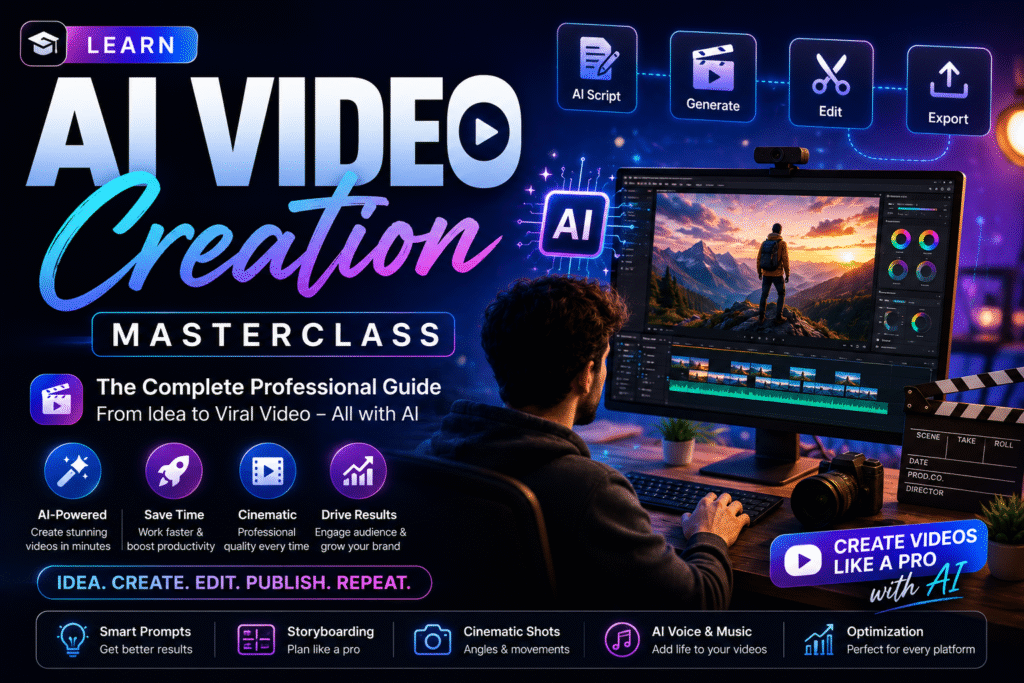
What is AI Video Creation?
AI video creation is the process of generating videos using Artificial Intelligence based on text prompts, image references, or existing media.
Instead of manually filming every scene, AI understands your instructions and creates realistic animations, camera movements, lighting effects, and cinematic sequences.
Today’s AI video generators can produce:
- Product commercials
- Instagram Reels
- YouTube Shorts
- Brand Films
- UGC-style videos
- Explainer videos
- Product demonstrations
- Real estate walkthroughs
- Fashion campaigns
- Healthcare awareness videos
- Talking avatar videos
AI significantly reduces production time while making professional-quality videos accessible to everyone.
Why Learn AI Video Creation?
Short-form video dominates today’s digital marketing.
Learning AI video creation helps you:
- Create videos without expensive equipment.
- Produce content faster.
- Reduce production costs.
- Generate multiple video variations.
- Build engaging social media campaigns.
- Create professional advertisements.
- Scale content production.
Instead of outsourcing every project, you can create professional marketing videos in-house using AI.
How AI Video Generation Works
Professional AI video creation follows a structured workflow.
| Step | Process |
|---|---|
| 1 | Define your marketing objective |
| 2 | Write the script |
| 3 | Create a storyboard |
| 4 | Generate image references (optional) |
| 5 | Write detailed AI video prompts |
| 6 | Generate video clips |
| 7 | Edit and combine scenes |
| 8 | Add music, voiceover, and captions |
| 9 | Export and publish |
Following this process ensures consistency and professional-quality output.
Best AI Video Creation Tools
Different AI video platforms specialize in different styles.
| AI Tool | Best For |
| Kling AI | Realistic cinematic videos |
| Google Veo | High-quality commercial videos |
| Runway | Image-to-video & editing |
| Pika | Social media videos |
| Luma Dream Machine | Cinematic motion |
| HeyGen | AI avatar videos |
| Synthesia | Corporate training videos |
Choose the tool based on your project rather than using one platform for everything.
The Professional AI Video Creation Framework
Successful AI videos don’t start with prompts.
They start with strategy.
Step 1 – Define Your Goal
Ask yourself:
- Who is the audience?
- What product or service am I promoting?
- Which platform is this video for?
- What emotion should viewers feel?
- What action should they take after watching?
A clear objective leads to better storytelling.
Step 2 – Write the Script
Every great video begins with a script.
A professional script should include:
- Hook
- Problem
- Solution
- Demonstration
- Benefits
- Call-to-Action
AI can assist with writing scripts, but your marketing strategy should guide the message.
Step 3 – Create a Storyboard
A storyboard helps visualize every scene before generating videos.
Typical storyboard includes:
- Scene number
- Camera angle
- Character actions
- Background
- Lighting
- Dialogue
- Transition
- Duration
Storyboarding improves consistency and reduces revisions.
Writing Better AI Video Prompts
The quality of your video depends on the quality of your prompt.
A professional video prompt should include:
- Subject
- Environment
- Character
- Camera Movement
- Lighting
- Mood
- Action
- Style
- Duration
- Aspect Ratio
Weak Prompt
Create a coffee advertisement.
Professional Prompt
Create a cinematic coffee advertisement showing freshly brewed coffee being poured into a ceramic cup inside a modern café during golden hour. Slow-motion close-up, soft warm lighting, 85mm lens, shallow depth of field, cinematic color grading, premium lifestyle advertisement, ultra-realistic, 16:9.
The additional details help AI generate more realistic and engaging footage.
Camera Movements That Make Videos Look Professional
Understanding camera language improves AI-generated videos.
Popular movements include:
- Static Shot
- Pan
- Tilt
- Zoom In
- Zoom Out
- Dolly In
- Dolly Out
- Crane Shot
- Orbit Shot
- Tracking Shot
- Handheld
- FPV Movement
Combining smooth camera movements with good prompts creates cinematic-quality results.
Types of AI Videos You Can Create
AI supports almost every type of marketing video.
Social Media
- Instagram Reels
- Facebook Videos
- YouTube Shorts
- TikTok Videos
Business
- Product Demonstrations
- Company Introductions
- Brand Stories
- Client Testimonials
Advertising
- Product Commercials
- Promotional Videos
- Luxury Advertisements
- Launch Campaigns
Educational
- Explainer Videos
- Online Courses
- Tutorials
- Training Videos
Creative
- Fashion Films
- Food Videos
- Travel Videos
- Real Estate Tours
Editing AI Videos
AI-generated videos become even better after editing.
Enhancements include:
- Background music
- Voiceovers
- Color grading
- Transitions
- Captions
- Logo animation
- Speed adjustments
- Sound effects
Editing transforms generated clips into polished marketing assets.
Common Mistakes Beginners Make
Avoid these common mistakes:
- Writing vague prompts.
- Skipping storyboarding.
- Ignoring camera movement.
- Using inconsistent characters.
- Forgetting brand colors.
- Overusing AI effects.
- Publishing without editing.
Professional AI videos require planning, not just generation.
Professional AI Video Workflow
A modern AI video production pipeline looks like this:
Idea
↓
Research
↓
Script
↓
Storyboard
↓
Prompt Writing
↓
Image References
↓
AI Video Generation
↓
Editing
↓
Voiceover
↓
Music
↓
Publishing
↓
Performance Analysis
This workflow mirrors how agencies create commercial-quality videos using AI.
Key Takeaways
- AI video creation starts with strategy.
- Great prompts create better cinematic results.
- Storyboarding improves consistency.
- Camera movements make videos more engaging.
- Editing is essential for professional output.
- AI enhances creativity—it doesn’t replace storytelling.
Internal Linking Suggestions
Connect this article with:
- Prompt Engineering: The Skill That Unlocks the Power of AI
- Learn Content Creation Using AI
- Learn Creating Professional AI Images
- Understanding AI Models
- AI Tools Every Digital Marketer Should Master
Outbound Resources
Official platforms for learning:
- Google AI – https://ai.google
- OpenAI – https://openai.com
- Runway – https://runwayml.com
- Kling AI – https://klingai.com
- Google Search Central – https://developers.google.com/search
Frequently Asked Questions
Can beginners learn AI video creation?
Yes. Modern AI tools make video production accessible without prior filmmaking experience.
Which AI tool is best for video creation?
Kling AI, Google Veo, Runway, and Pika are among the leading AI video generation platforms, each suited to different use cases.
Do I need a camera to create AI videos?
No. AI can generate videos from text prompts, image references, or existing media, reducing the need for traditional filming.
Why is storyboarding important?
Storyboarding helps maintain consistency, improve storytelling, and reduce production errors before generating AI videos.
Can AI-generated videos be used commercially?
Many AI video platforms support commercial use, but always review the licensing terms before using generated content in client or business projects.